RFM analysis: who to thank, who to remind.
Drop the orders export from your Shopify admin. Your browser scores every customer on recency, frequency and money spent, sorts them into the segments from our RFM guide, and gives you the list as a CSV. The file never leaves your computer.
- 1 CSV export
- 5 segments
- 0 uploads
Your customers, scored on your computer.
Drop the orders CSV from Shopify. The segments appear in a second or two.
Your browser reads the file and does the scoring on this device. Nothing is uploaded, stored or sent, so we never see your customers or your numbers. The CSV you can download is built in your browser too.
Your orders export
Drag your orders CSV here
or
The orders export from Shopify, as CSV. One row per product line is fine.
Made-up orders from fake customers on example.com. Download the sample CSV
How to export your orders from Shopify
- In your Shopify admin, open Orders and click Export.
- Pick which orders: all of them, or Orders by date going back as far as you can.
- Under Export as, pick a CSV format and click Export orders.
- Up to 50 orders download straight away. Bigger exports arrive by email.
Showing the fake sample data. Customers scored: 174. Champions: 24. Loyal but slipping: 27.
- Champions 24
- Loyal but slipping 27
- New customers 36
- Lost big spenders 15
- Everyone else 72
| Segment | Customers | Share of customers | Share of revenue | Next step |
|---|---|---|---|---|
| ChampionsR, F and M all 4 or 5 | 24 | 13.8% | 31.6% | Thank them and ask for a review. Leave the discount code out. |
| Loyal but slippingF 4 or 5, R 2 or 3 | 27 | 15.5% | 26.3% | Remind them before they’re gone, with the product they usually buy. |
| New customersR 4 or 5, one order | 36 | 20.7% | 11.5% | Make the second order easy: a reminder around the time the first one runs out. |
| Lost big spendersR 1 or 2, M 4 or 5 | 15 | 8.6% | 12% | Send one honest win-back message, then let them go. |
| Everyone elseNot in a group above | 72 | 41.4% | 18.7% | No special message. Keep them in your regular emails. |
| F \ R | 1 | 2 | 3 | 4 | 5 |
|---|---|---|---|---|---|
| 5 | 2 | 5 | 6 | 6 | 9 |
| 4 | 2 | 6 | 10 | 9 | 8 |
| 3 | 0 | 0 | 0 | 0 | 0 |
| 2 | 0 | 0 | 0 | 0 | 0 |
| 1 | 31 | 24 | 20 | 19 | 17 |
Recency 5 is the most recent fifth of your customers, frequency 5 the most frequent. Customers with the same number of orders always get the same frequency score, so with many one-time buyers some rows stay empty.
One row per customer: email address, first and last order, days since the last order, orders, total spent, the three scores and the segment.
This file contains your customers’ email addresses. Keep it as safe as the export it came from.
- Period
- 2 Jul 2025 to 30 Sept 2026
- Orders counted
- 298
- Customers (unique email addresses)
- 174
- Left out: refunded
- 7
- Left out: voided
- 5
- Left out: cancelled
- 0
- Left out: no email address
- 0
- Left out: date or total unreadable
- 0
Your file has orders in more than one currency. Amounts are added up as they are.
Scores from your own export, with the rules described below. A score compares a customer with your other customers, so a 5 in one store isn’t a 5 in another.
Recency, measured against each customer’s rhythm.
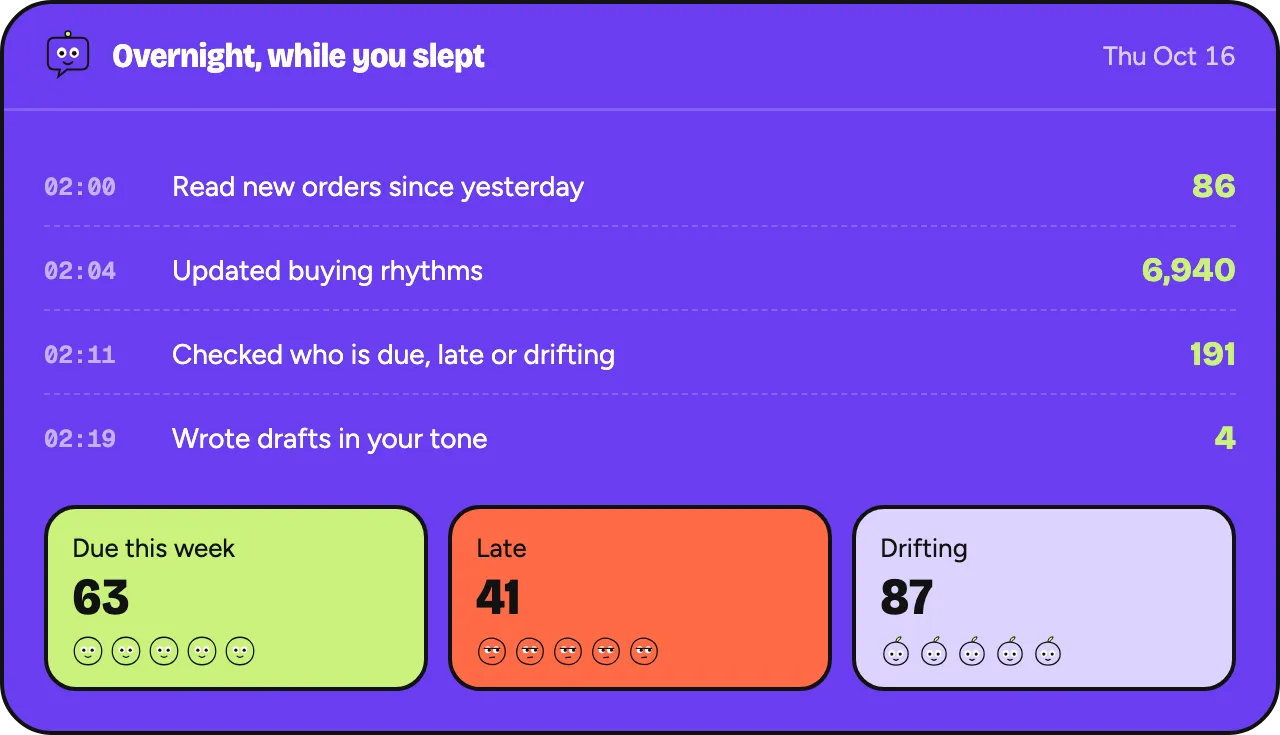
Oftenflow is an AI agent for Shopify stores, still in development. It learns each customer’s own rhythm from their orders and notices the moment it breaks.
Every morning it proposes who to contact and why. You approve, your own email tool sends.
How buying rhythm works →Planned: 30% off for the first 100 stores. One email when your invite is ready, no newsletter.
Three scores, five groups.
The tool reads the same four columns as our order analyzer: Name, Email, Created at and Total. It works out three numbers per customer, scores each from 1 to 5 against your other customers, and puts every customer in one segment.
- recency
- = days from the customer’s last order to the newest order in the file
- frequency
- = the customer’s orders in the file
- monetary
- = sum of Total over those orders
- score from 1 to 5
- = 1 + the number of cut-offs the customer beats, with cut-offs at 20%, 40%, 60% and 80% of your customers
- champions
- = R, F and M all 4 or 5
- loyal but slipping
- = F 4 or 5, and R 2 or 3
- new customers
- = R 4 or 5, and one order
- lost big spenders
- = R 1 or 2, and M 4 or 5
Step by step
- Orders are read the same way as in the order analyzer: rows grouped by order number, refunded, voided and cancelled orders left out, and one customer per email address.
- Recency counts from the newest order in your file. Export on the day you run the tool and that’s close to today. A customer whose last order is the newest one has a recency of 0 days.
- Frequency and monetary cover the whole file. For the 12-month window from our RFM guide, export the last 12 months of orders.
- Each score splits your customers into five groups of about the same size. Customers with the same value get the same score. If most customers ordered once, they all get frequency 1, and a second order can be enough for a 4.
- Segments are checked in the order of the table. A customer lands in the first group that fits. Everyone who fits none of them is in “Everyone else”.
- The CSV lists every customer with their numbers, scores and segment, sorted by segment and then by total spent.
What this leaves out
- Each customer’s own rhythm. Forty days without an order is normal for someone who buys every two months, and late for someone who buys every two weeks.
- Margin. Monetary is revenue, with tax and shipping, as exported.
- What people bought. RFM looks at orders and amounts, so a customer’s products make no difference.
- Customers who changed email address. They count as two people.
- Orders before your export starts. Export as far back as you can, or older customers look new.
- Small stores. With 50 customers, each fifth holds 10, so one order more or less can move a score.
Questions about the RFM tool
Is my file uploaded anywhere?
No. The page reads the file with your browser’s own file reader and does the scoring on your computer. Nothing is uploaded, stored or sent. The CSV you download is built in your browser from the same data. It contains your customers’ email addresses, so store it with care.
What does RFM stand for?
Recency, frequency and monetary value: how recently a customer ordered, how often, and how much they spent. Each gets a score from 1 to 5, and the three scores together put a customer in a segment.
Why is recency counted from the newest order in my file?
So the result stays the same whenever you open the file. If you export today, the newest order is usually from today or yesterday, so the difference is small. With an older export, every customer looks as recent as they were on the day you exported.
Why does a customer with two orders get a frequency score of 4?
Scores compare customers with each other. If most of your customers ordered once, a second order already puts someone near the top of your list. Customers with the same number of orders always get the same score.
Can I use the segments in my email tool?
The CSV has one row per email address and a segment column. Filter it in a spreadsheet and import the group you need into your email tool as a list. Only email people who agreed to receive marketing.
Get an invite when we open the doors.
Planned: 30% off for the first 100 stores. One email when your invite is ready, no newsletter.
- Plans from €29 a month, never per contact
- Works with the email tool you already use
- No card, no commitment