Holdout groups: what did your message really do?
Customers who get a reminder often reorder. Many of them would have reordered anyway. A holdout group shows what the message added on top of that.
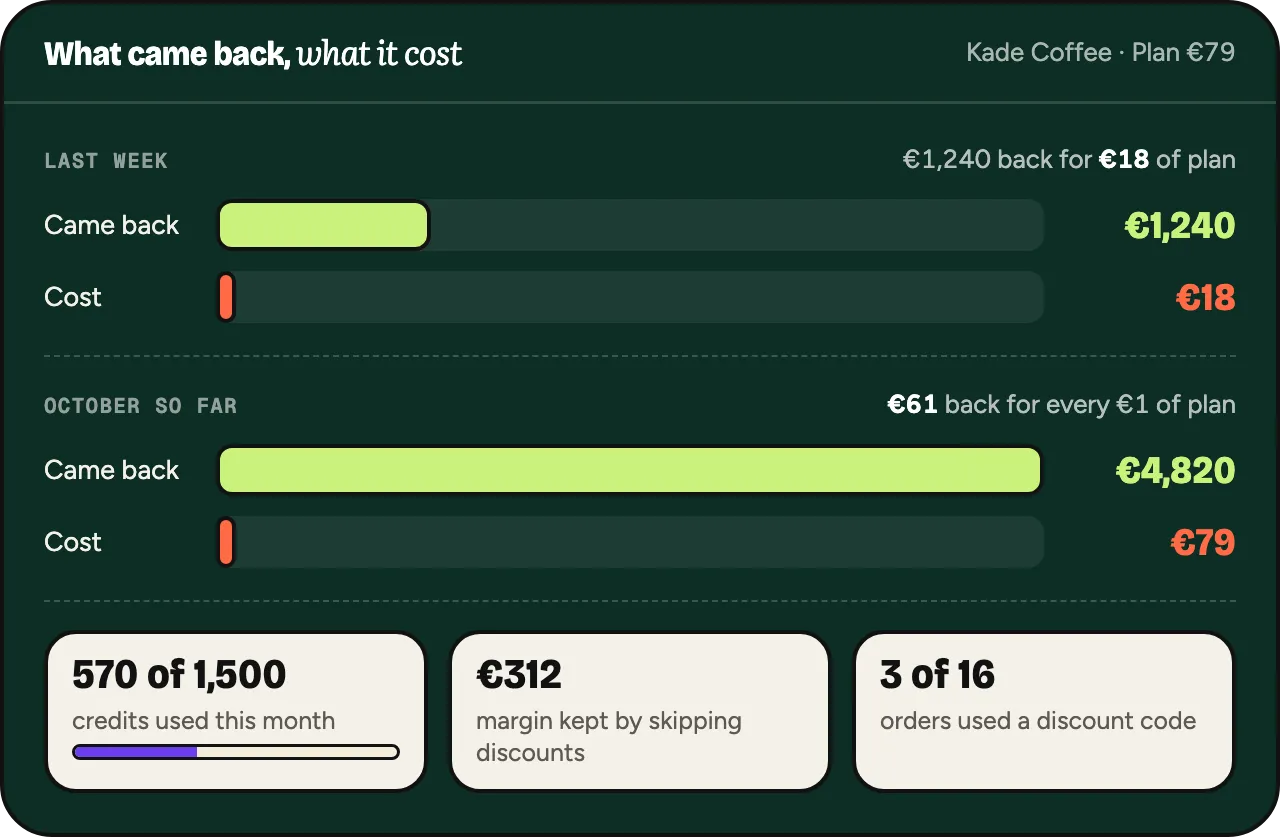
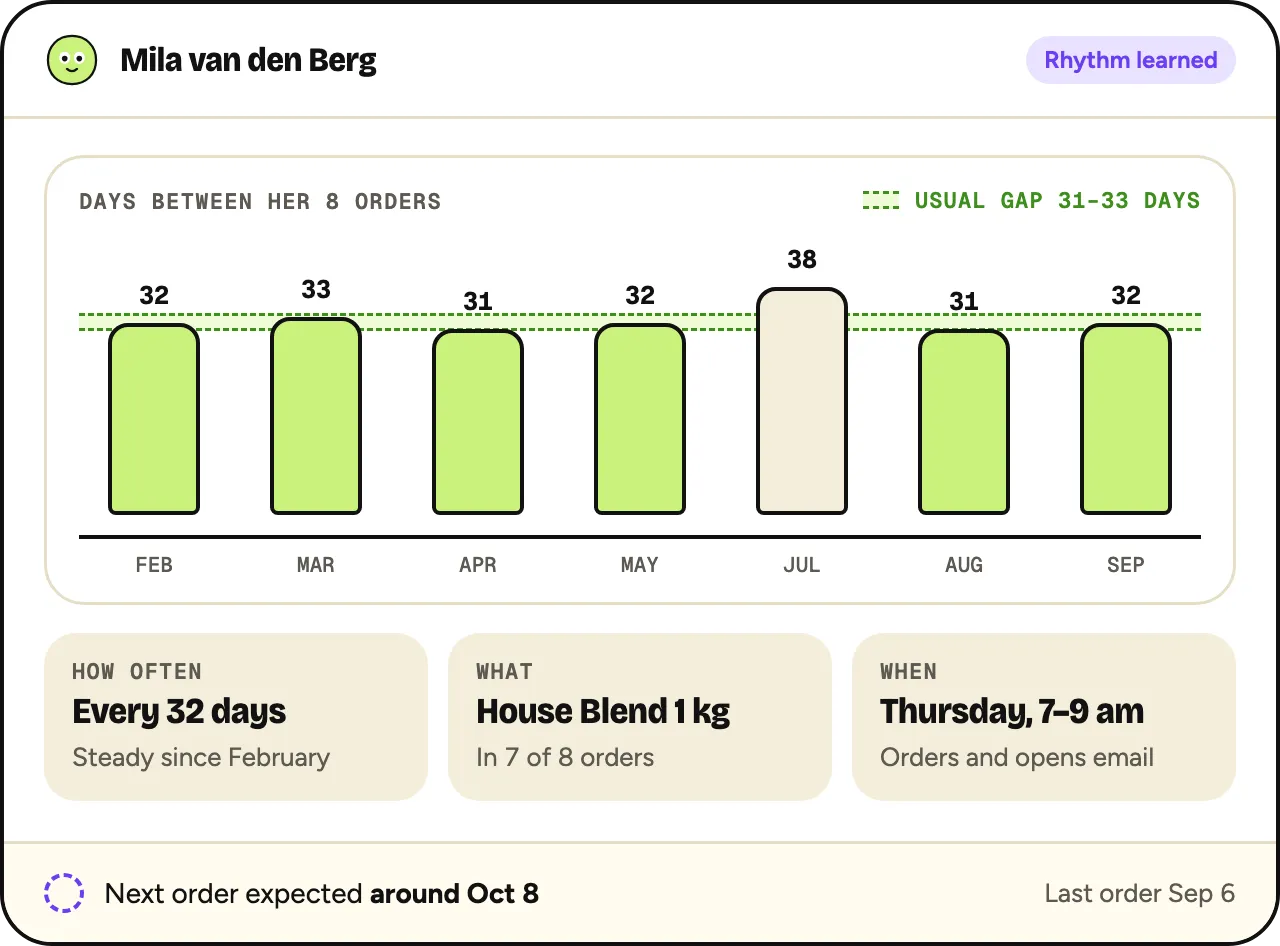
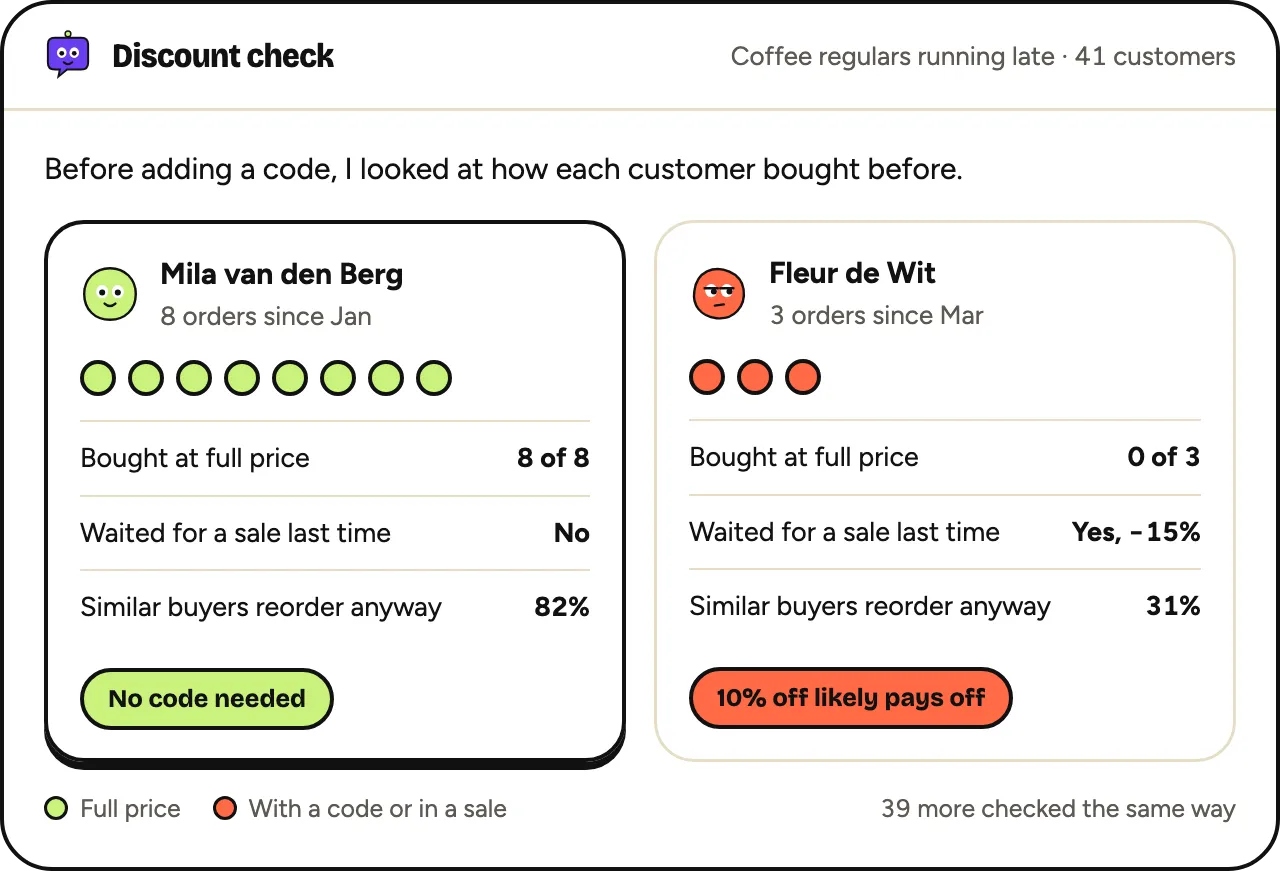
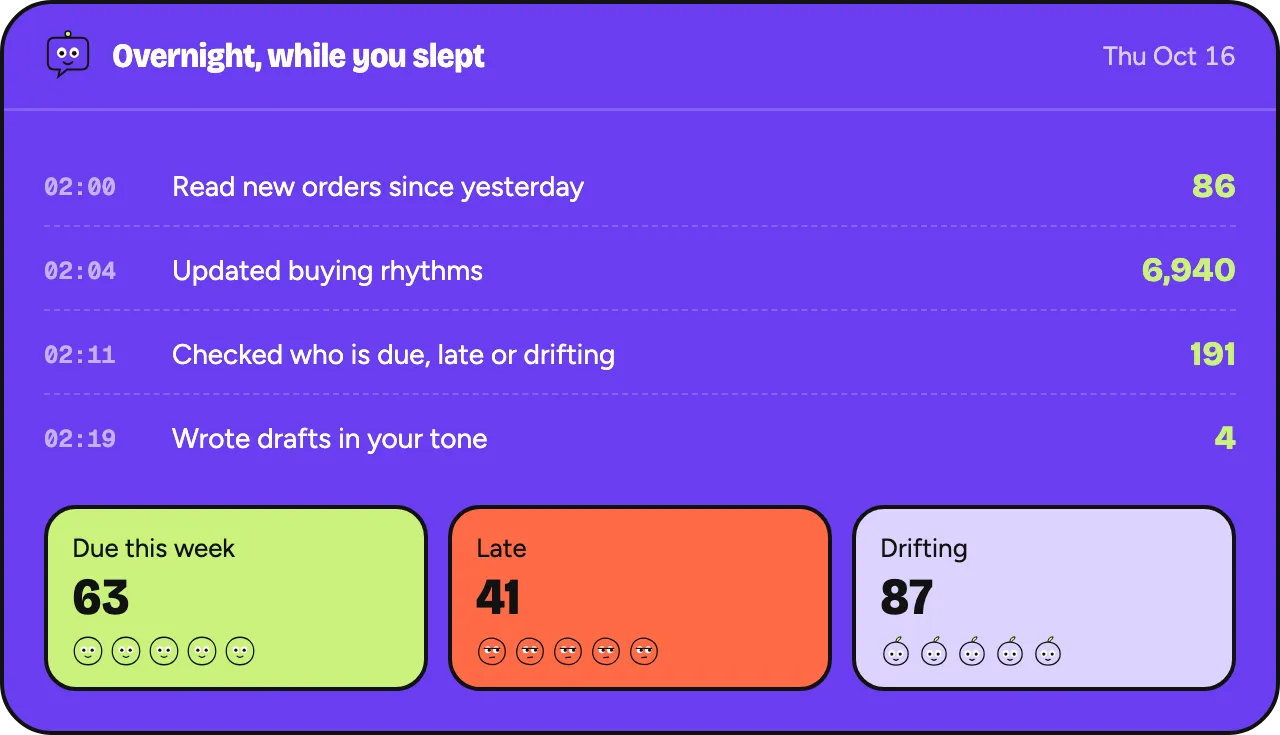
Oftenflow does this per customer, every morning.
Join the waitlistWhat a holdout group is
A holdout group is a random part of the customers you meant to message. They get nothing. Everything else stays the same.
Afterwards you compare the two groups. The difference in orders is what the message did. The rest would have happened without it.
Lift = order rate of the messaged group − order rate of the holdout group. Added orders = lift × number of messaged customers.
Split at random
The split has to be random. If you hold back your least active customers, the message looks better than it is.
Decide the split before you send. In a spreadsheet, give each customer a random number, sort on it and cut the list.
- Split within the same segment, on the same day.
- Don’t move customers between groups afterwards.
- Let both groups receive everything else as usual, such as newsletters and service emails.
How big to make it
A larger holdout gives a clearer answer, but more customers miss the message. 10% to 20% is a common starting point.
What counts is the number of orders in the holdout, not its percentage. With only a handful of orders there, chance decides the result.
Compare orders, not opens
Opens are unreliable since mail apps preload images. Clicks say little about money. Count orders within a fixed window, for example 14 days after sending.
Use the same window for both groups. Count all orders, not only those that came through the link in the email.
1,000 late customers. 900 get a reminder, 100 get nothing. Within 14 days, 135 of the 900 reorder (15%) and 9 of the 100 (9%). Lift: 6 percentage points. 6% × 900 = 54 orders the message added. The other 81 would likely have come anyway.
Small stores
With few customers, one send rarely gives a clear answer. In the example, the holdout has only 9 orders. With 11 instead of 9, the lift drops from 6 to 4 points.
- Pool the results of several weeks of the same message before you decide anything.
- Keep a holdout running at a fixed share, so the comparison builds up over time.
- Look at the spread, not one number. If the lift swings from week to week, you don’t know yet.
- Accept “no clear difference” as an answer. It still tells you something.
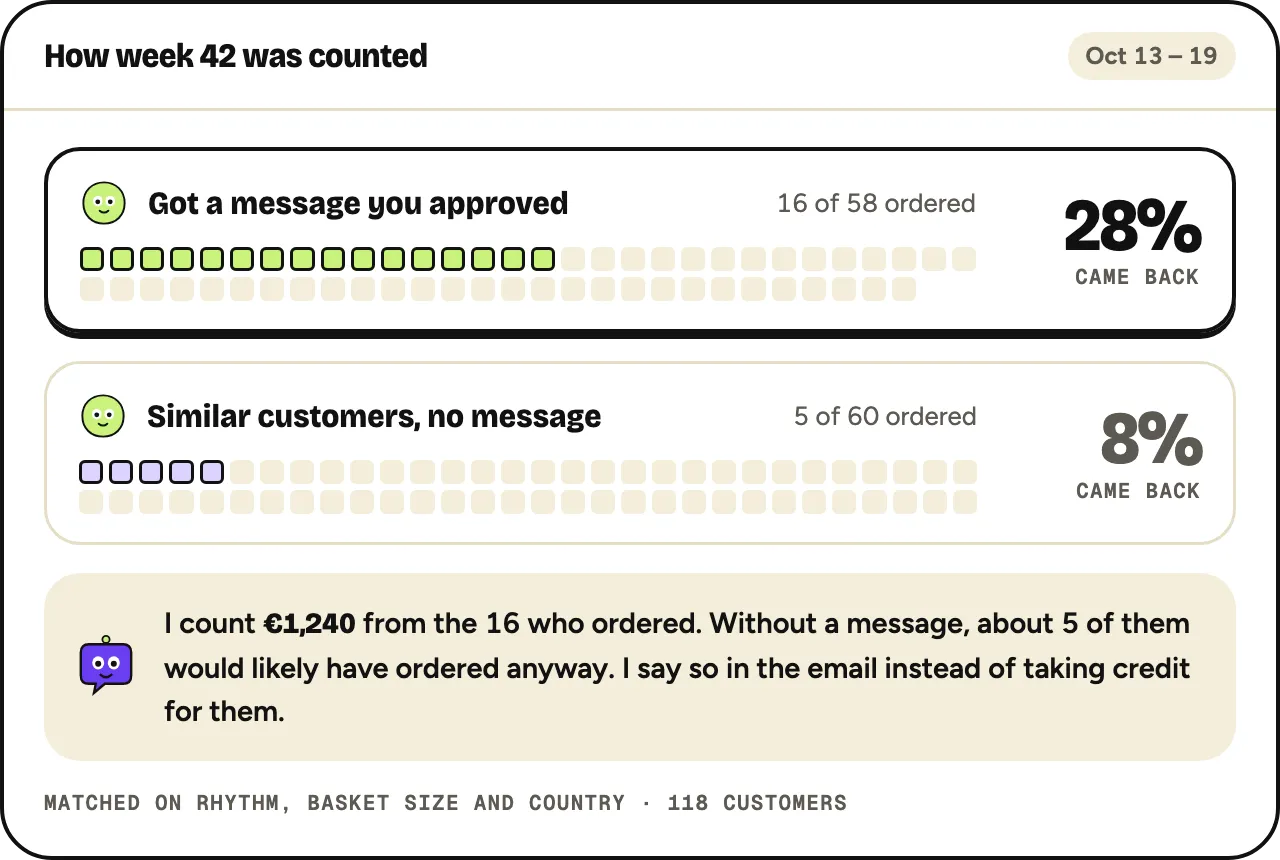
Oftenflow’s Monday email counts orders after messages you approved, compared with a holdout group of similar customers who got nothing.
Oftenflow is in development. This describes what we’re building.